Widgets for your Mac’s Dock.
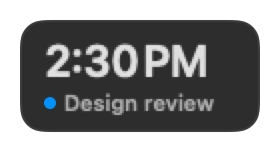
Dockspace adds a bar of live widgets to the Dock’s row: the time, the weather, your next meeting, CPU and battery, the clipboard and 168 more. They update as you work, and ten of them stay free.





















Where the bar sits
Choose in Settings › Dock:
- Replace the Dock, the default: Dockspace hides the macOS Dock and shows your apps and the Trash in its own bar, next to your widgets. The setting is still marked beta. How it works.
- Beside the Dock. Widgets fill the empty room left and right of the macOS Dock, in its row, so the bar takes no space. If they do not fit, the bar goes above the Dock.
- Above the Dock, as a second row, or pinned to the left or right bezel as a vertical side Dock.
Unlike top-bar utilities whose icons vanish behind the MacBook notch, Dockspace keeps CPU, memory, network and battery readable in the Dock row — making it a clean iStat Menus alternative as well as one of the best macOS Dock replacements.
The bar stays on screen, or hides like the Dock. When it hides, move the pointer to the screen edge or press ⌃⌥⌘D. It can also come up for a few seconds when something needs you: an agent that waits, a meeting in two minutes, or water that is due.
Ten stay free
The free version keeps these for good: Dock Buddy, Disk Doctor, Clock, Date, Weather, CPU, Battery, the clipboard shelf, Folders and the Wallpaper tile.
Pro unlocks all the others, the Claude, Codex and Antigravity limits and the agents board, Screen Notes, Quick Translate and profiles: One Year at $11.99 a year, Lifetime from $19.99 once, or the Forever Edition at $49.99.
Make the bar yours
Right-click the bar and choose Customize Dock… to add widgets. Drag them to reorder.
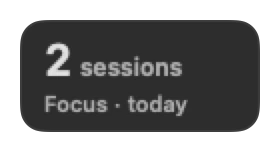
Every tile starts on a 56-point height and can be resized from 1 to 4 columns wide and 1 or 2 rows tall so the bar lines up cleanly. Some tiles widen for their moment and narrow after it: Focus when a phase ends, Water when a glass is due, your next meeting as it starts. On macOS 26 Tahoe the tiles are frosted glass on a clear Liquid Glass bar.
With Pro, make a profile for the laptop and one for the desk. Dockspace switches between them when you connect or disconnect a display.
What stays on your Mac
Your agents, clipboard and files stay on your Mac. Only widgets that need the internet call public services, such as Open-Meteo for weather and air quality, exchange rates and Hacker News. There is no account.
All 174 widgets
AI5
- Dock Buddy
- A little character that watches your work and tells you what matters. Click for its notes and Ask Buddy
- AI Agents
- Live Claude Code, Codex, Cursor and Antigravity sessions
- Claude Usage
- Claude session and weekly limits, and when they reset
- Codex Limits
- Codex 5-hour and weekly limits, as OpenAI reports them
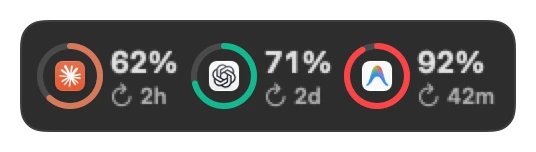
- AI Limits
- Claude, Codex and Antigravity limits side by side, and when each resets
Productivity29
- Clipboard
- Clipboard history (⌥⌘V)
- Downloads
- Your newest downloads
- Screenshot
- Opens the Screenshot tool
- Screen Notes
- Select part of the screen, mark it, and copy the picture to paste anywhere (⌃⌥⌘N)
- Quick Translate
- Translates the text on the clipboard, on this Mac
- Keep Awake
- Keeps the Mac awake. Click to switch
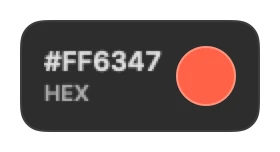
- Color Picker
- Pick a colour on screen and copy its hex value
- Emoji
- Click an emoji to copy it
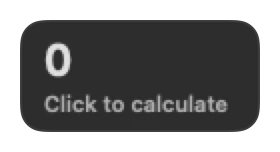
- Calculator
- A small calculator. Type or click
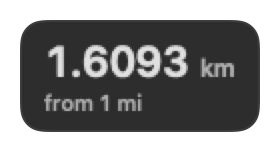
- Unit Converter
- Length, weight, temperature and data size
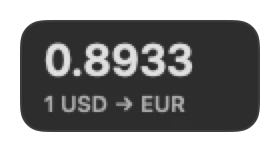
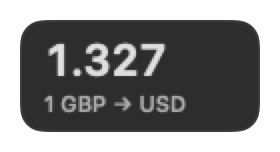
- Currency
- Exchange rates from the European Central Bank
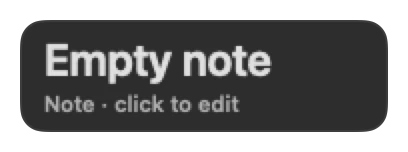
- Quick Note
- A sticky note. Click to write
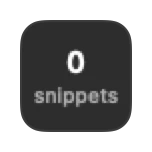
- Snippets
- Text you paste often. Click to copy one
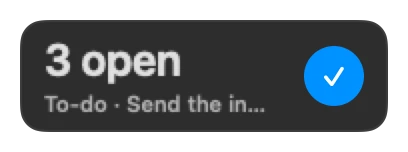
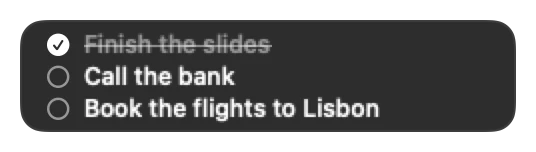
- To-Do
- A to-do list on this Mac. Click to add and check off tasks
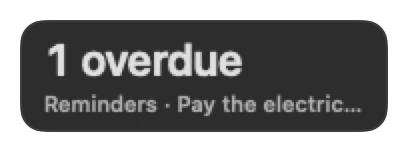
- Reminders
- Reminders due today, from the Reminders app
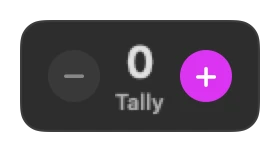
- Tally Counter
- Count anything with plus and minus
- Shortcuts
- Runs a shortcut from the Shortcuts app. Click to choose it
- Folder
- Opens a folder you choose and shows how many items it has
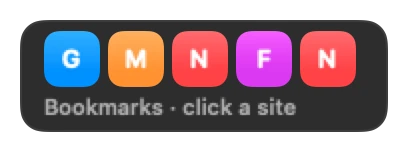
- Bookmarks
- Up to six sites, one click away. Click to edit them
- Folders
- Your folders, one click from Finder. Drop folders on the tile to pin them
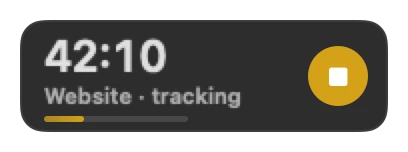
- Time Tracker
- Time on your projects today, with start and stop. Click to choose the project
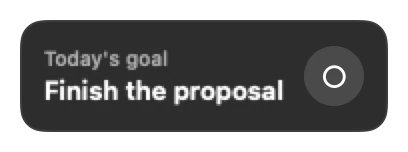
- Daily Goal
- One goal for today, with a check. Click to write it
- Journal
- A prompt each day and a few lines in reply, kept on this Mac. Click to write
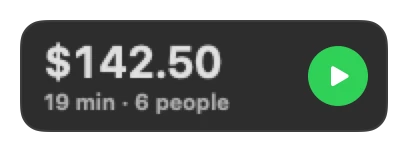
- Meeting Cost
- What a meeting costs while it runs. Click to set the people and the rate
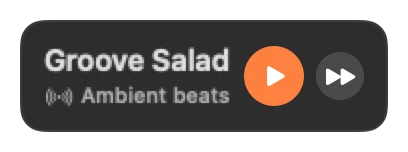
- Focus Radio
- SomaFM stations for focus, such as Groove Salad and Drone Zone
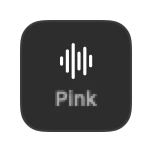
- White Noise
- White, pink or brown noise, made on this Mac
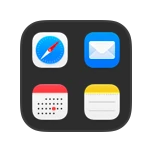
- App Launcher
- Four apps, one click away. Click the tile to choose them
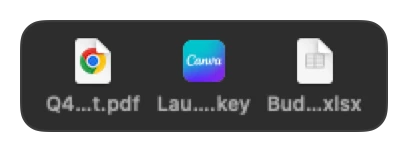
- Recent Files
- The three files you used last. Click one to open it
- Top 3
- Today's three most important tasks. Click to write them
Time22
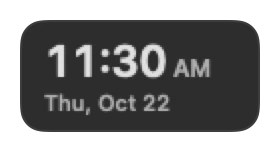
- Clock
- Time and date
- Analog Clock
- A classic clock face
- Date
- Today, calendar style
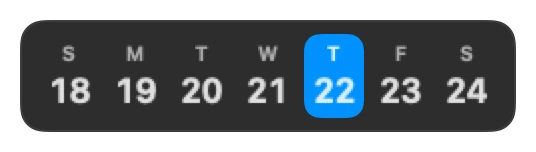
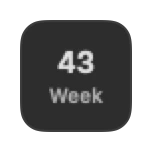
- Week
- This week, today highlighted
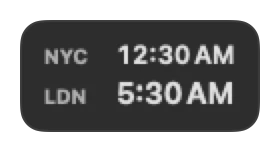
- World Clock
- Two cities. Click to choose them
- Month Progress
- Days of the month as dots
- Day Progress
- How much of today has passed
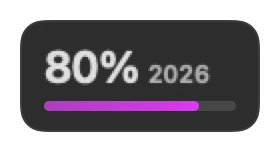
- Year Progress
- How much of the year has passed
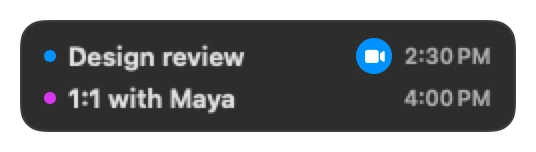
- Next Event
- Your next calendar event
- Today's Events
- Today's next events from Calendar
- Week Number
- The ISO week number
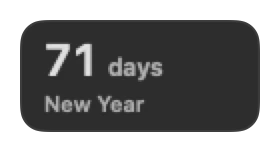
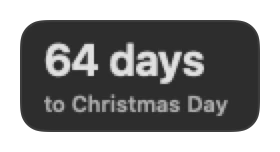
- Countdown
- Days until a date you choose. Click to set it
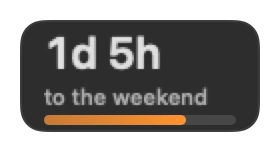
- Weekend
- Time left until Friday 17:00
- Moon Phase
- Tonight's moon, how much is lit, and the next full moon
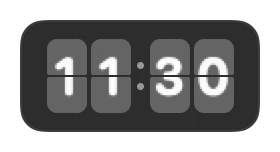
- Flip Clock
- Hours and minutes on flip cards
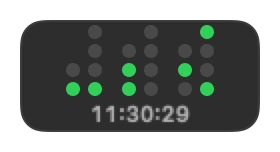
- Binary Clock
- The time in binary dots
- Meeting Planner
- Working hours that two or three cities share. Click to choose them
- Focus Stats
- Focus Timer sessions each day this week
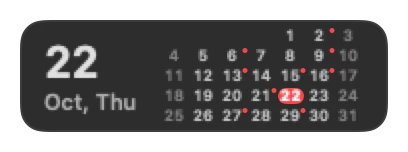
- Month Calendar
- This month, with dots on days that have events
- Alarm
- A daily alarm with snooze. Click to set the time
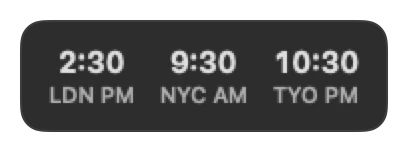
- Time Zone Converter
- A time in one city, shown in two others. Click to set it
- Sun Clock
- A 24-hour dial with day and night in your weather city
Weather10
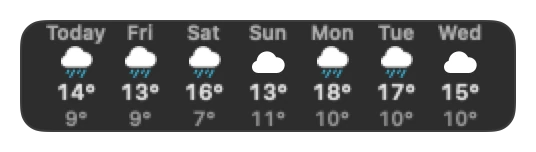
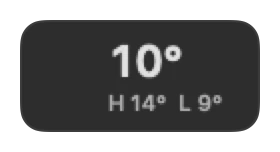
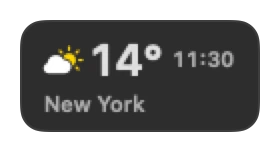
- Weather
- Current weather. Click to choose a city
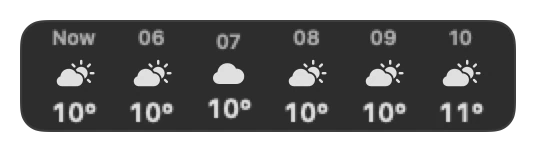
- Hourly Forecast
- Temperature and sky for the next six hours
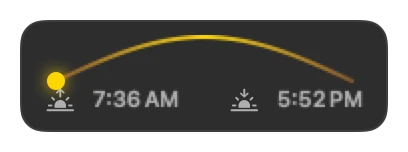
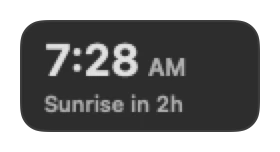
- Sunrise & Sunset
- Sunrise, sunset and where the sun is now
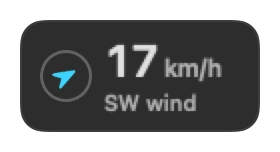
- Wind
- Wind speed and direction
- Air Quality
- US or European air quality index and PM2.5
- UV Index
- The UV index now and today's high
- Rain Soon
- Rain in the next two hours, such as “Rain in 25 min”
- 7-Day Forecast
- High, low and sky for the next seven days
- Feels Like
- Feels-like temperature, humidity and dew point
- Second City
- Weather in another city. Click to choose it
Focus9
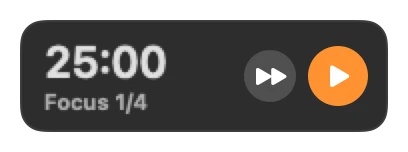
- Focus Timer
- Focus sessions with breaks. Click for settings
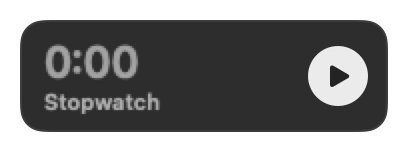
- Stopwatch
- Click to start and stop
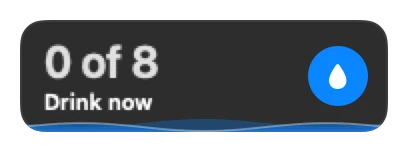
- Drink Water
- A reminder to drink. Click for settings
- Breathing
- Click for one minute of box breathing
- Eye Break
- Every 20 minutes, look 20 feet away for 20 seconds
- Stand Up
- A reminder to stand up, and a count for today. Click for the interval
- Habits
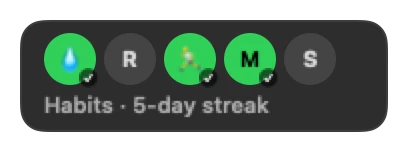
- Up to five daily habits with streaks. Click to edit them
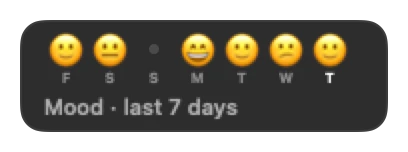
- Mood
- One mood check-in a day, and the last seven days
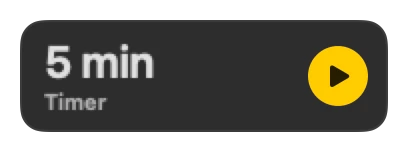
- Timer
- A 1, 5, 10 or 15 minute timer with a chime
System32
- CPU
- Processor load
- CPU Chart
- Processor load over the last minute
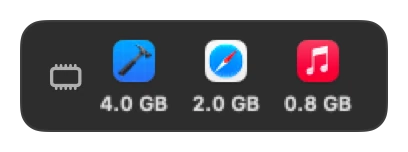
- Memory
- Memory in use
- Disk
- Free space. Click for Disk Doctor: Buddy finds what you can clean
- Network
- Download and upload speed
- Network Chart
- Network speed over the last minute
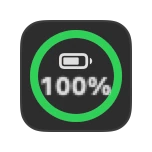
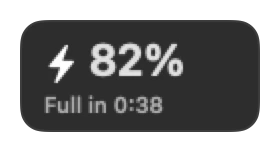
- Battery
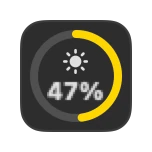
- Charge level
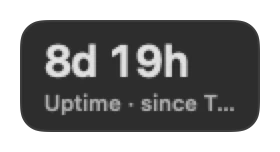
- Uptime
- How long the Mac has run
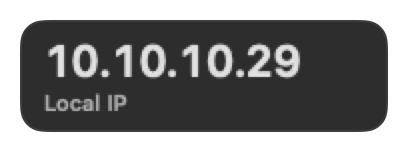
- IP Address
- Your local IP address. Click to copy
- Volume
- Output device and volume. Click to set it
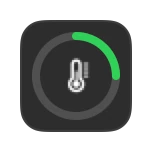
- Thermal
- How warm the Mac runs, and whether macOS slows it down to cool
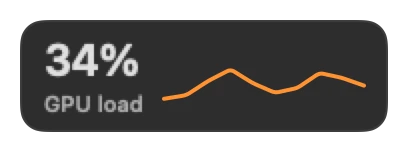
- GPU
- Graphics processor load over the last minute
- Memory Pressure
- Memory pressure as Activity Monitor shows it, and the swap in use
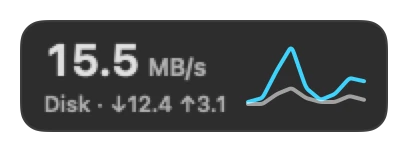
- Disk Activity
- Read and write speed of the disks
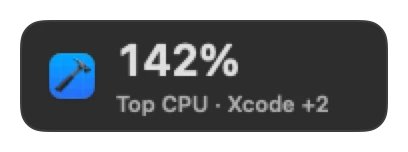
- Top Apps
- The three processes that use the most CPU. Click for Activity Monitor
- Battery Health
- Maximum capacity, cycle count and condition of the battery
- Power
- Adapter watts, charging state and time left
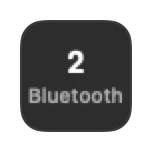
- Bluetooth
- Connected Bluetooth devices. Asks for access only when you click
- Wi-Fi
- Wi-Fi signal strength and noise
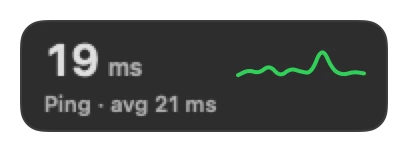
- Latency
- Connection time to 1.1.1.1, checked every 30 seconds
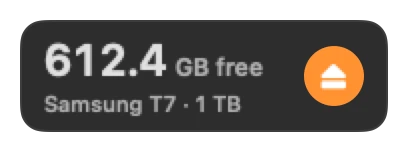
- Volumes
- External drives and their free space, with an Eject button
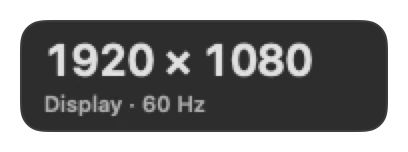
- Display
- Resolution, refresh rate and scale of the main display
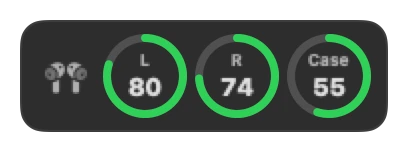
- AirPods Battery
- Battery of AirPods and other connected Bluetooth devices that report it
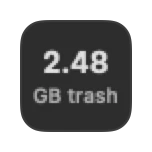
- Trash
- How much the Trash holds. Click to open it
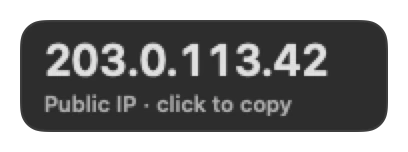
- Public IP
- The address the internet sees, checked every 30 minutes. Click to copy it
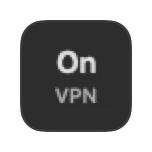
- VPN
- Whether a VPN tunnel is up, and its address
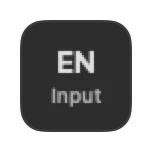
- Input Source
- The keyboard input source. Click to switch to the next one
- Caps Lock
- Shows when Caps Lock is on
- Dark Mode
- Light or dark appearance. Click to switch
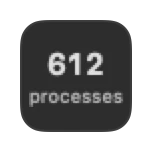
- Processes
- Processes and apps that run now
- Top Memory
- The three apps that use the most memory. Click for Activity Monitor
- Lock Screen
- Starts the screen saver. The Mac locks if your settings ask for a password after it
Developer18
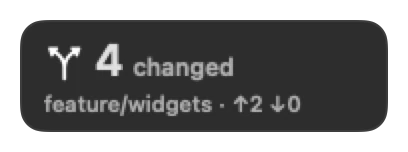
- Git Status
- Branch, changes and sync state of one repository. Click to choose it
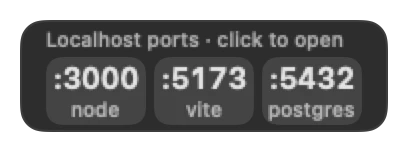
- Localhost Ports
- Servers listening on this Mac. Click a port to open it
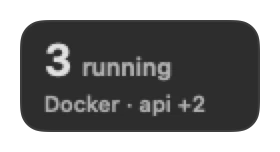
- Docker
- Running Docker containers
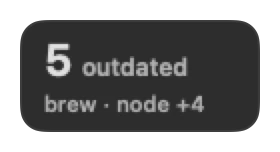
- Homebrew
- Outdated Homebrew packages, checked every 6 hours
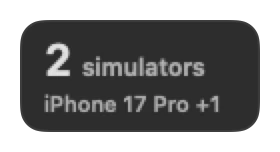
- Simulators
- Booted iOS simulators
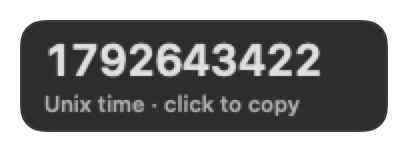
- Unix Time
- Epoch seconds now. Click to copy. Shows the date of an epoch you copied
- UUID
- Click to copy a new UUID
- Password
- Copies a strong password, kept out of the clipboard history. Click for the length
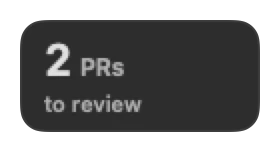
- Pull Requests
- Your open pull requests and the reviews you were asked for, from the GitHub CLI. Click to open them
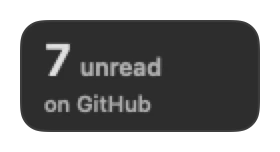
- GitHub Notifications
- Unread GitHub notifications, from the GitHub CLI. Click to open them
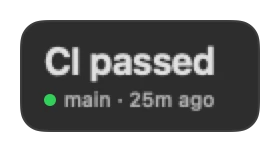
- CI Status
- The last GitHub Actions run of a repository, from the GitHub CLI. Click to choose it
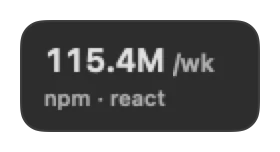
- npm Downloads
- Weekly downloads of an npm package. Click to choose it
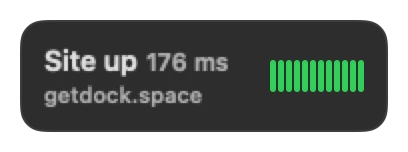
- Uptime Monitor
- Checks a website every 5 minutes: status and response time. Click to set the address
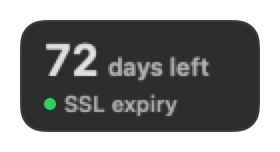
- SSL Expiry
- Days until the TLS certificate of a site expires. Click to set the host
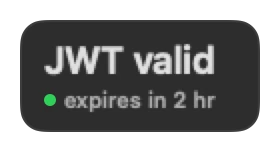
- JWT Decoder
- Decodes the JWT on the clipboard, on this Mac. Click to copy its claims
- Regex Tester
- Counts the matches of a pattern in the clipboard text. Click to edit the pattern
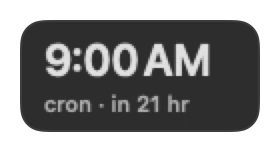
- Cron Next Run
- When a cron expression runs next. Click to edit it
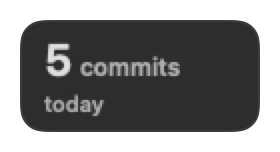
- Commits Today
- Commits since midnight in one repository. Click to choose it
Text Tools9
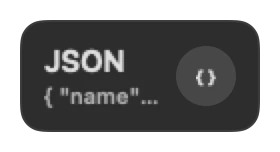
- JSON Formatter
- Pretty-prints or minifies the JSON on the clipboard
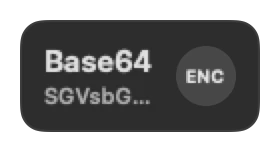
- Base64
- Encodes or decodes the clipboard text as Base64
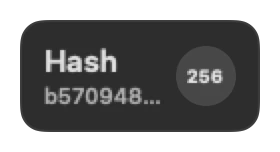
- Hash
- SHA-256 or MD5 of the clipboard text
- Counter
- Characters, words and lines on the clipboard
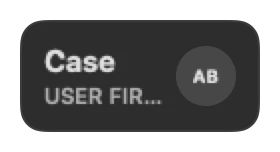
- Case Converter
- UPPER, lower, Title, camelCase or snake_case of the clipboard text
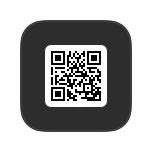
- QR Code
- A QR code of the clipboard text. Click to show it large
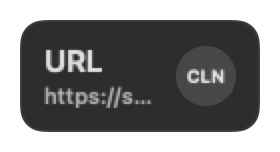
- URL Tools
- Removes tracking from links, or encodes and decodes them
- Lorem Ipsum
- Click to copy a paragraph of placeholder text
- Color Converter
- Hex, RGB and HSL of the colour on the clipboard
Media7
- Now Playing
- The song in Music or Spotify, with play, pause and next. Click Connect first
- Mic Mute
- Mutes and unmutes the microphone. Click to switch
- Mirror
- Your camera as a mirror. Click to look
- Screen Recorder
- Opens the Screenshot tool to record the screen (⇧⌘5)
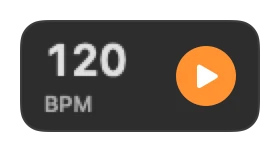
- Metronome
- A click track with tap tempo. Click for the tempo
- Soundboard
- Four short sounds, one click each
- Wallpaper
- Your live wallpaper. Click to choose another or rotate them
Info & Fun10
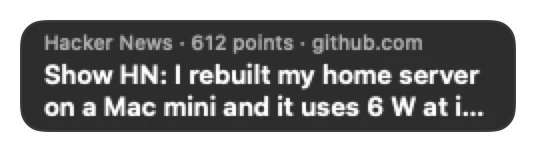
- Hacker News
- The top story on Hacker News, every 15 minutes. Click to open it
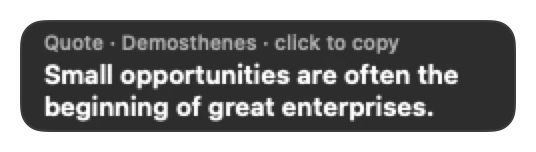
- Quote
- A short quote that changes every day. Click to copy it
- Dice
- Click to roll two dice
- Coin Flip
- Click to flip a coin
- Answer Ball
- Ask a yes-or-no question, then click for the answer
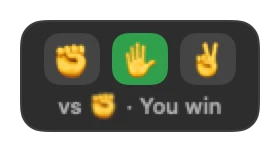
- Rock Paper Scissors
- Rock, paper or scissors against the bar
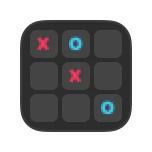
- Tic-Tac-Toe
- A quick game against a simple bot. Click to play
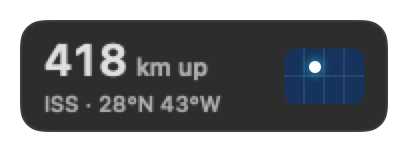
- ISS Tracker
- Where the International Space Station is now
- Random Fact
- A random fact. Click for another one
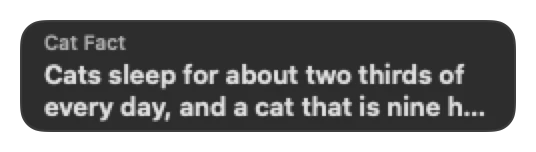
- Cat Fact
- A fact about cats. Click for another one
Finance8
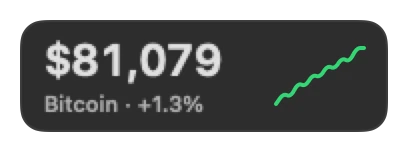
- Bitcoin
- The Bitcoin price and its last 24 hours, from Coinbase, every minute
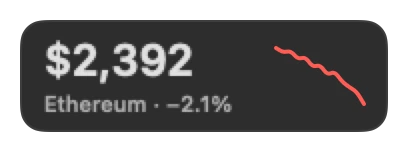
- Ethereum
- The Ethereum price and its last 24 hours, from Coinbase, every minute
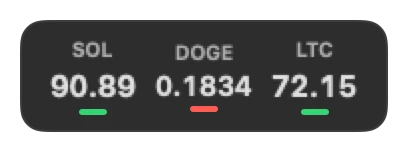
- Crypto Watchlist
- Three coins you choose, with their 24-hour change. Click to choose them
- Second Currency
- A second exchange rate, next to Currency. Click to choose the pair
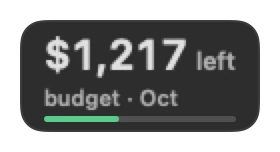
- Budget
- Money left this month, from what you add in Expenses. Click to set the budget
- Expenses
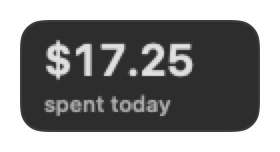
- What you spent today and this month, kept on this Mac. Click to add an expense
- Subscriptions
- Your next renewal and what all subscriptions cost a month. Click to edit the list
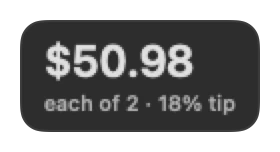
- Tip & Split
- Adds a tip to a bill and splits it. Click to enter the bill
Health6
- Caffeine
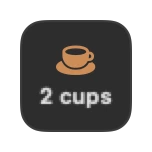
- Cups of coffee today, and the caffeine they add up to
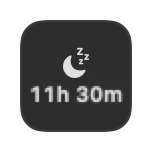
- Bedtime
- Time left until bedtime. Click to set it
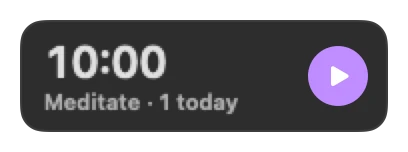
- Meditation
- A quiet timer with a soft bell at the start and the end. Click for the length
- Posture
- A reminder to sit up straight every few minutes. Click for the interval
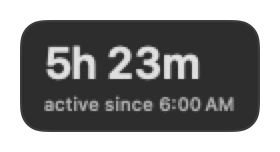
- Active Time
- How long you used the Mac today, from keyboard and mouse input
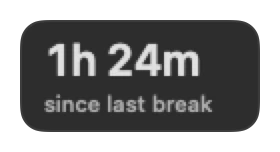
- Since Break
- Time since your last break of five minutes or more
News9
- RSS Feed
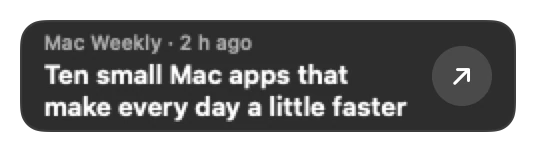
- The newest post of a feed you choose, every 15 minutes. Click to set the feed
- On This Day
- Something that happened on this day in history, from Wikipedia. Click to read more
- Picture of the Day
- The picture of the day from Wikimedia Commons. Click to open it
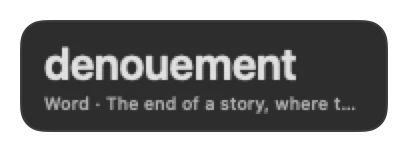
- Word of the Day
- A new word and its meaning each day. Click to look it up
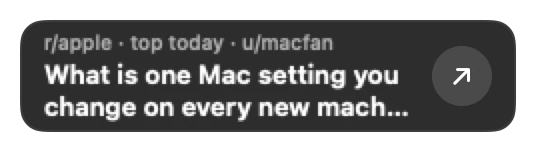
- Today's top post of a subreddit. Click to choose the subreddit
- DEV
- The top article on DEV, every 15 minutes. Click to open it
- Lobsters
- The hottest story on Lobsters, every 15 minutes. Click to open it
- Next Holiday
- The next public holiday where you live, and the days until it
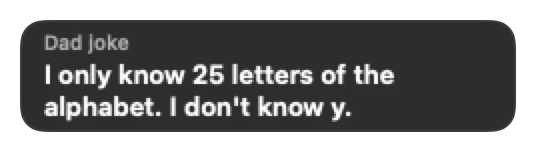
- Dad Joke
- A dad joke from icanhazdadjoke.com. Click for another one
Common questions
- Which Mac Dock widgets stay free forever in Dockspace?
- Ten widgets stay free with no time limit: Dock Buddy, Disk Doctor, Clock, Date, Weather, CPU, Battery, the Notch Clipboard Shelf, Folders and the live Wallpaper tile, alongside Replace the Dock.
- Can I resize widgets or put them on the left or right side of my screen?
- Yes. Right-click any tile or use Customize Dock to resize widgets from 1 to 4 columns wide and 1 to 2 rows tall on a 56pt grid. Set Edge to Left or Right for a compact vertical side Dock that expands tiles on hover or live alerts.
- Why put CPU, battery and weather in the Dock instead of the macOS menu bar?
- On notched MacBooks, menu bar icons disappear behind the camera housing as soon as you open an app with wide menus. The Dock row has the full width of your display and never clips your live stats.
- Does Dockspace replace the macOS Dock or work beside it?
- Both. By default it hides Apple's Dock and shows your pinned apps, running apps and Trash next to your widgets. Prefer Apple's Dock? Switch to Beside the Dock or Above the Dock in one click.
Free to start. Yours to keep.
macOS 14 Sonoma or later · Apple silicon and Intel. Download the disk image and try ten widgets free forever, or unlock all 174 with Pro.