
Midnight City
Apple Music · Paused
1:223:48
Now Playing
Follows Apple Music or Spotify. Play, pause, scrub the track or adjust volume right from the bar.


Today

Apple Notarized · macOS 14+ · Universal
174 live widgets in your Dock's place, plus your Claude, Codex and Antigravity limits and every coding agent on your Mac.
10 widgets free forever · Pro adds AI limits · From $11.99/yr or $19.99 once
Scroll to focus each widget ↓
30-second launch film · 60 fps
Liquid Glass at the bottom or flush on the side: live AI limits, Tilo, ⌥⌘V clipboard, Disk Doctor and 174 widgets — cut to the beat.
Start with a calm widget Dock: clock, weather, focus timer, clipboard and CPU. Flip the switch to slide your AI limits, coding agents and Tilo into the bar.
AI Limits · Coding Agents · Tilo
Dockspace reads what Claude Code, Codex, Cursor and Antigravity already write on your Mac. No login, no API key, and nothing about your agents leaves your Mac.
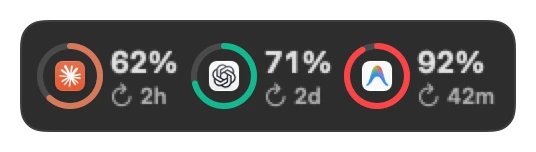
Put Claude Code, Codex and Antigravity side by side in wide horizontal tiles or in one compact 3-ring tile. Toggle between used and remaining quota anytime.
See which session works, which one finished and which one waits for your input. Click any row above to see how Tilo reacts, or compare ways to track Claude usage on a Mac.
Notch Shelf · Horizontal Clipboard
Dockspace turns the dead space around your MacBook notch into a horizontal clipboard shelf, synced with the Clipboard tile at the foot of your screen. Click any card below to copy it back to the top, or read the Mac clipboard shelf guide →
Move your pointer to the top notch or press ⌥⌘V. Your recent copies fan out horizontally without covering the center of your window.
Pin your recurring snippets, hex colors or links so they stay on the same number keys even as new copies arrive.
Copies marked confidential by 1Password, Apple Passwords or Bitwarden are ignored automatically. Everything stays on your Mac.
Disk Doctor · Live Mac Telemetry
Disk Doctor is included in the Free tier forever: it finds developer and system caches, explains each one in plain English, and moves them to the macOS Trash. How Disk Doctor cleans Xcode caches →
Moves selected caches to the macOS Trash — never deletes behind your back.
Keyboard Workflow · Full-Screen Calm
Open the Notch Clipboard Shelf, summon the horizontal bar, pin a Screen Note, or work in full-screen without the bar getting in your way. Click any step below to preview it.
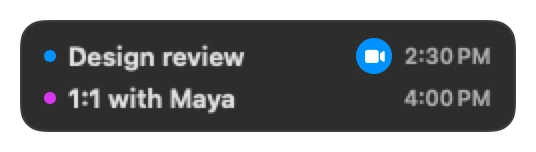
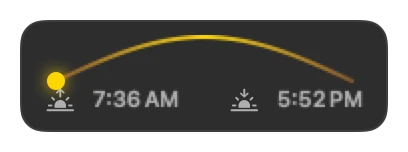
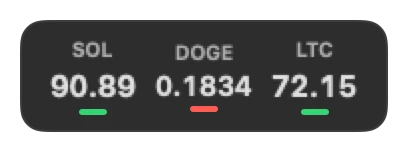
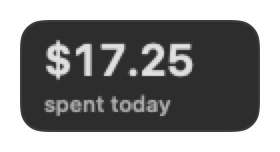
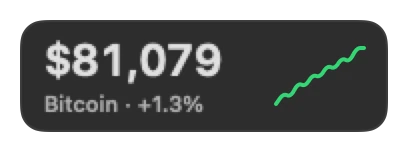
174 widgets in four compact tile sizes. Interact with the tiles directly in the bar, or click one to open its popover card with controls inside.
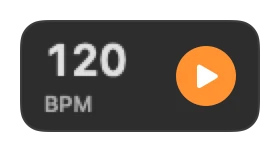
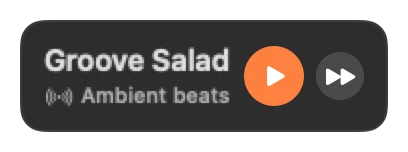
Follows Apple Music or Spotify. Play, pause, scrub the track or adjust volume right from the bar.
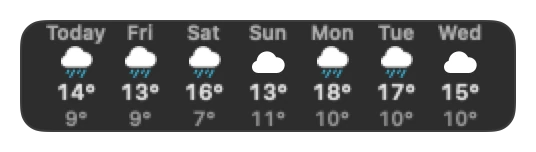
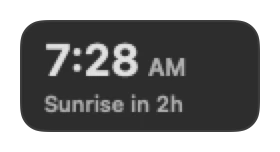
Current temperature, hourly forecast, UV index, wind compass and air quality. Free for good.
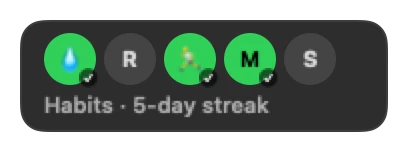
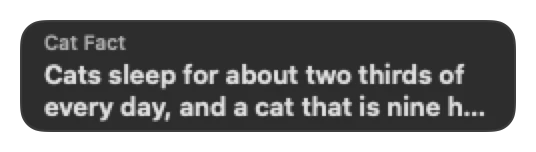
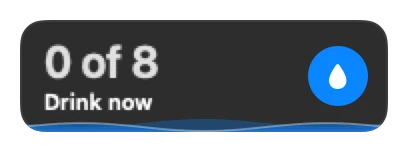
Actionable tiles with one-click buttons right on the bar. When water is due, Tilo looks thirsty too.
Translate copied text in one click, or capture and annotate any part of your screen without leaving your workflow.
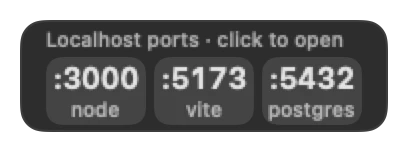
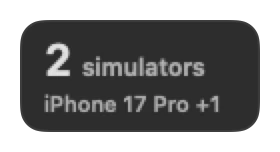
8ac8da8e-29c6-458d-ad4a-6e1592ea04fcGit status, open local ports, GitHub PRs, CI status, Docker containers, JSON formatter, regex tester and UUID generator.
The 10 widgets marked Free stay free forever. Pro unlocks the remaining 164. See the full widget list →
A little character that watches your work and tells you what matters. Click for its notes and Ask Buddy
Clipboard history (⌥⌘V)
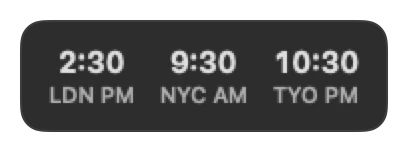
Time and date
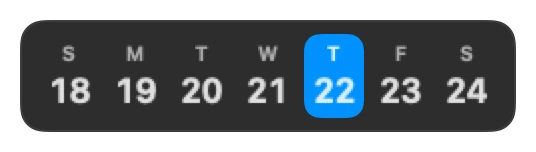
Today, calendar style
Current weather. Click to choose a city
Processor load
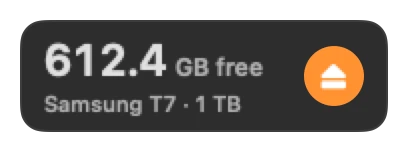
Free space. Click for Disk Doctor: Buddy finds what you can clean
Charge level
Your folders, one click from Finder. Drop folders on the tile to pin them

Your live wallpaper. Click to choose another or rotate them

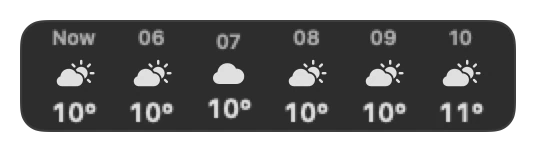







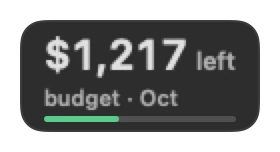
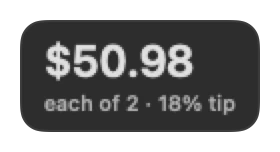
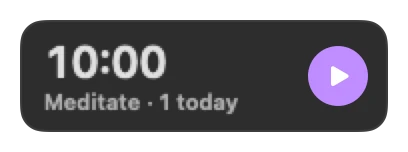
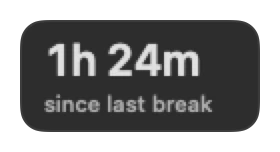







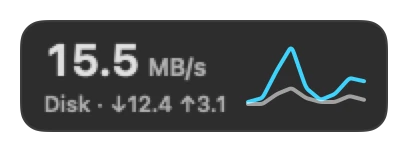
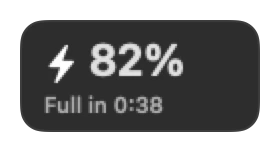
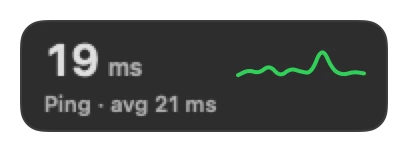


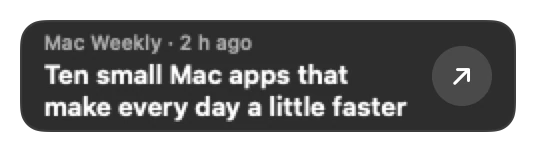
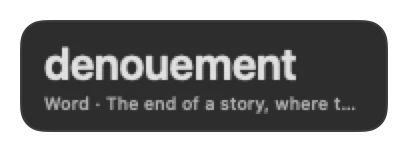

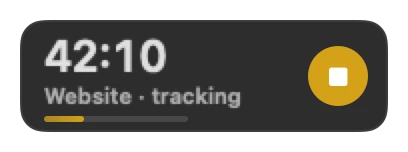
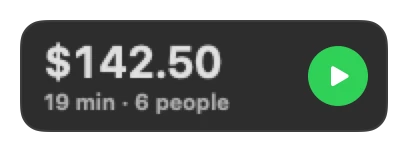




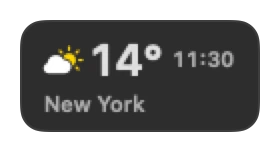
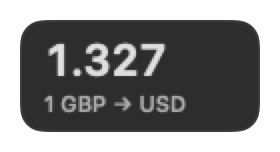

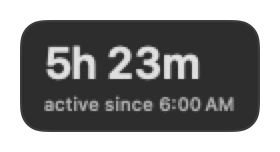


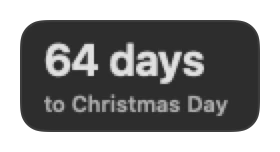





Where it sits, how it shows up, and which profile loads when you connect your studio monitor.
The default. The macOS Dock steps aside, and your pinned apps, running apps and the Trash move into the Dockspace bar beside your live widgets. Quit Dockspace and the standard Dock returns immediately. Read the macOS Dock replacement guide → or compare Dockspace vs uBar →
Keep a lean bar on your laptop and a wide bar on your external monitor. Dockspace switches profiles automatically when you plug in.
Every widget shares a 56pt height and snaps to Compact, Medium, Wide or Large widths (or custom 1–4 column sizes) so the bar always looks balanced.
Over a full-screen window, the bar stays down. Agent alerts and timers appear as one small bottom pill that never steals focus.
Pick a built-in video or Metal shader, or drop in your own MP4. Dockspace sets your macOS wallpaper and Lock Screen video from one bar tile, with no trip to System Settings. Live wallpaper & lock screen guide →
Start free with 10 permanent widgets and Dock replacement. Upgrade to Pro for all 174 widgets, Claude, Codex and Antigravity limits, coding agent tracking, proactive Tilo, Screen Notes, Quick Translate and display profiles.
Billed yearly in USD · Cancel any time: Pro stays active until the end of the year you paid for.
14-day money-back guarantee · Instant Polar key
One payment · 1 year of updates · No recurring subscription.
14-day money-back guarantee · Instant Polar key
One payment · Lifetime updates, 5 Macs · Never pay for an upgrade again.
14-day money-back guarantee · Instant Polar key
Free includes Replace the Dock, Tilo (Dock Buddy), Disk Doctor, Clock, Date, Weather, CPU, Battery, the Clipboard Shelf, Pinned Folders and the Live Wallpaper picker. Download free for macOS →
Prices in USD. Tax may apply at checkout. Not happy? Get a full refund within 14 days for any reason.
Privacy & Architecture
Dockspace works locally on your Mac. It contacts Polar to verify your license and checks for signed updates. Widget polling runs only while the widget is in your bar.
Yes, Dockspace is free to start and keeps ten widgets free for good: Dock Buddy, Disk Doctor, clock, date, weather, CPU, battery, the clipboard shelf, Folders and the wallpaper tile. Pro unlocks all 174 widgets, the Claude, Codex and Antigravity limits, the AI agents board, proactive Buddy, Screen Notes, Quick Translate and display profiles.
Yes, and it does by default. Open Dockspace and it hides the macOS Dock and shows your Dock's apps, your running apps and the Trash in its own bar, next to your widgets. The setting is still marked beta. To keep the macOS Dock, choose Beside the Dock or Above the Dock in Settings › Dock. Quit Dockspace, and the Dock comes back.
Claude Usage shows the session and weekly percentages that Claude Code itself reports, for Pro and Max plans, after one click in Settings › Buddy. Codex Limits shows the 5-hour and weekly limits from the Codex logs. AI Limits puts Claude, Codex and Antigravity in one tile; Antigravity's limits come from the app itself while it is open. There is no login and no API key, and nothing leaves your Mac.
macOS 14 Sonoma or later, on Apple silicon or Intel.
One Year: 1 Mac. Lifetime: 1, 2 or 3 Macs, as you pick before checkout. Forever Edition: up to 5 Macs. To move a key to another Mac, remove it in Settings › License, then paste it on the new Mac.
Yes. Within 14 days of your purchase, for any reason. Write to contact@jber.dev from the address you bought with, and you get the full amount back through Polar.
If you cancel One Year, Pro stays on until the end of the year you paid for, then Dockspace goes back to Free. Your widgets and data stay. A Lifetime key keeps Pro forever in every version from its first year; after that year, keep the version you have, or get the Forever Edition for every new one.
Dockspace checks for a new version once a day, and installs it when you quit or restart it. Each update is signed, and you can turn automatic checks off in Settings › License.
For agents, only metadata: status, tool name, project folder, timestamps and token counts. Copies that password managers mark private are skipped. Your agents, clipboard and files stay on your Mac. Only widgets that need the internet call public services, such as Open-Meteo for weather and air quality, exchange rates and Hacker News, and Pro checks its license with Polar. There is no account.
Yes, and that part is free. Disk Doctor finds caches you can clean, such as Xcode DerivedData, simulator caches and old downloads, and explains each one. Cleanup moves files to the Trash. It never deletes them.
No. Everything works without it. Full Disk Access only lets Disk Doctor reach folders that macOS protects.
It stays down. Buddy's notes, the alarm, the timer, Stand Up and Posture come as one small pill at the bottom of the screen instead. The pill never takes the keyboard, and its buttons work on the first click.
Yes, with Pro. Make a profile for the laptop and one for the desk. Dockspace switches between them when you connect or disconnect a display.
Some widgets need access that the App Store sandbox does not allow, such as the disk cleanup and agent tracking. Dockspace is signed with an Apple Developer ID and notarized by Apple, and Polar handles the payment.
macOS 14 Sonoma or later · Apple silicon and Intel. Download the disk image and try ten widgets free forever, or unlock all 174 with Pro.